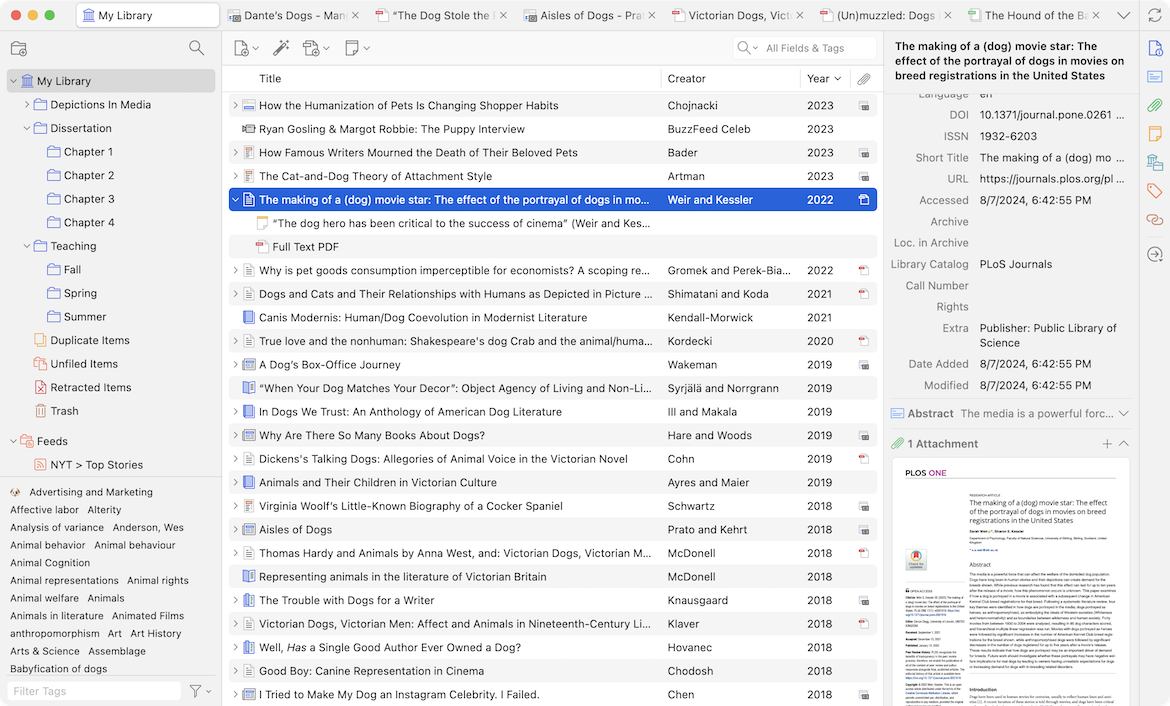
Zotero | Your personal research assistant
<aside>
Notable Features: free, versatile reference manager. AI plugins available via API
</aside>
<aside>
Core Abilities: Zotero is a free, open-source tool for collecting, organizing, and citing research. Its core function is to act as a personal library for your sources; it captures bibliographic data from websites and databases with a single click and generates citations and bibliographies in thousands of styles directly in your word processor. AI add-ons can provide citation context (via Scite), allow you to ask questions across your entire library (via ZoteroGPT), and generate summaries of your stored PDFs.
</aside>
<aside>
Limitations/ Risks: The primary risk of using Zotero with AI is that it has no native AI capabilities; all advanced features rely on installing third-party plugins. This can present a technical hurdle, as setup may require installing files from GitHub or managing API keys. Using plugins that connect to external AI services like OpenAI also introduces data privacy risks, as your content may be sent to third-party servers. The accuracy of AI-generated summaries and answers depends entirely on the plugin and requires the same rigorous verification as any other AI tool.
</aside>
<aside>
Platform/ Integrations: Desktop, browser extensions, Word/ Google docs plugin, Integrates with Scite
</aside>
<aside>
Pricing: Free (but plugins ARIA or ZoteroGPT require your OpenAI API usage. Storage plans start at $20/yr for 2 GB.
</aside>
Tutorials/ Reviews
How To Use Zotero 2025 (Including Zotero Connector) - Full Tutorial With Examples
Screenshot